Jit.Matrix Pixels Re-Learning Beginnings
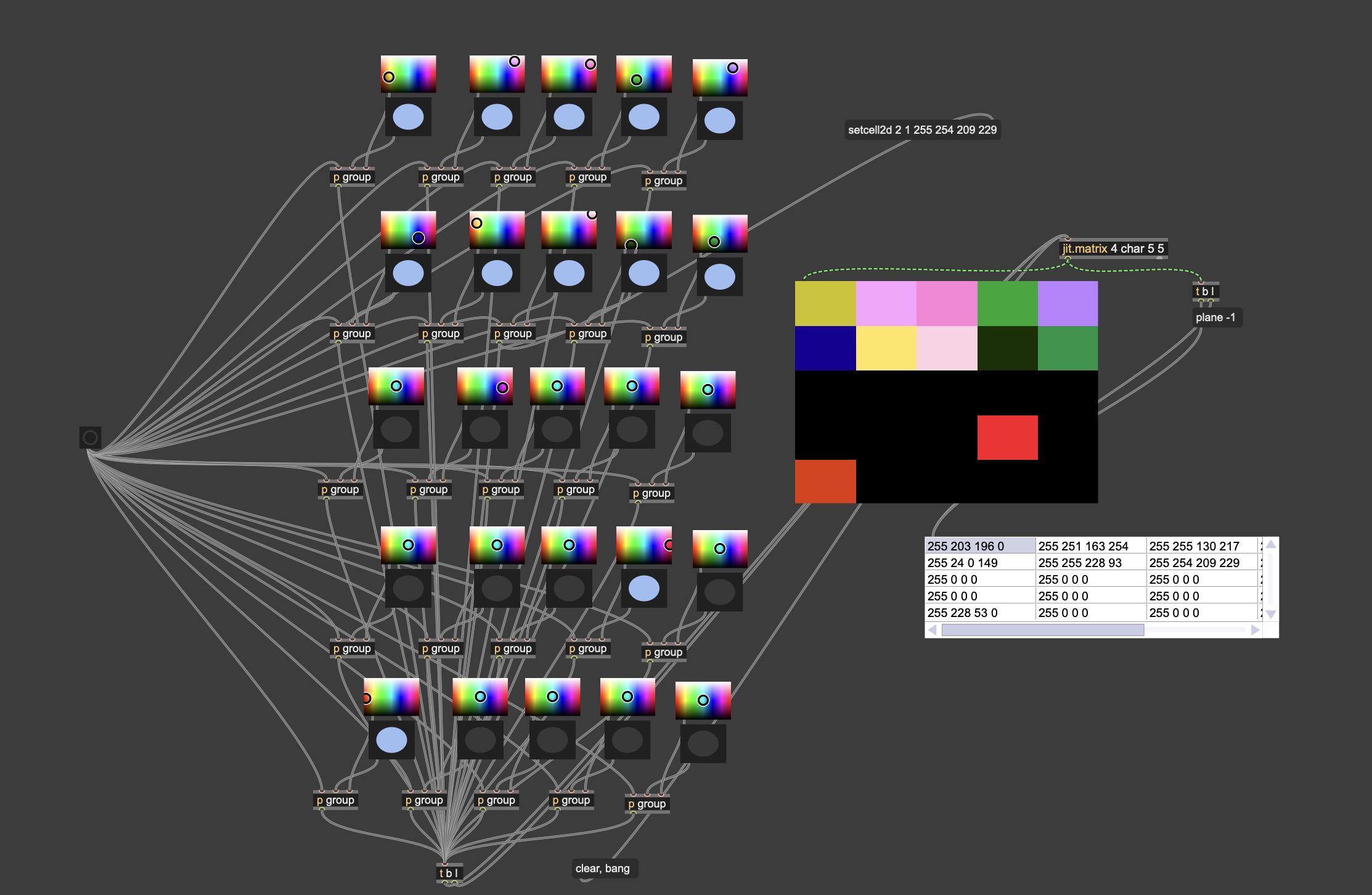
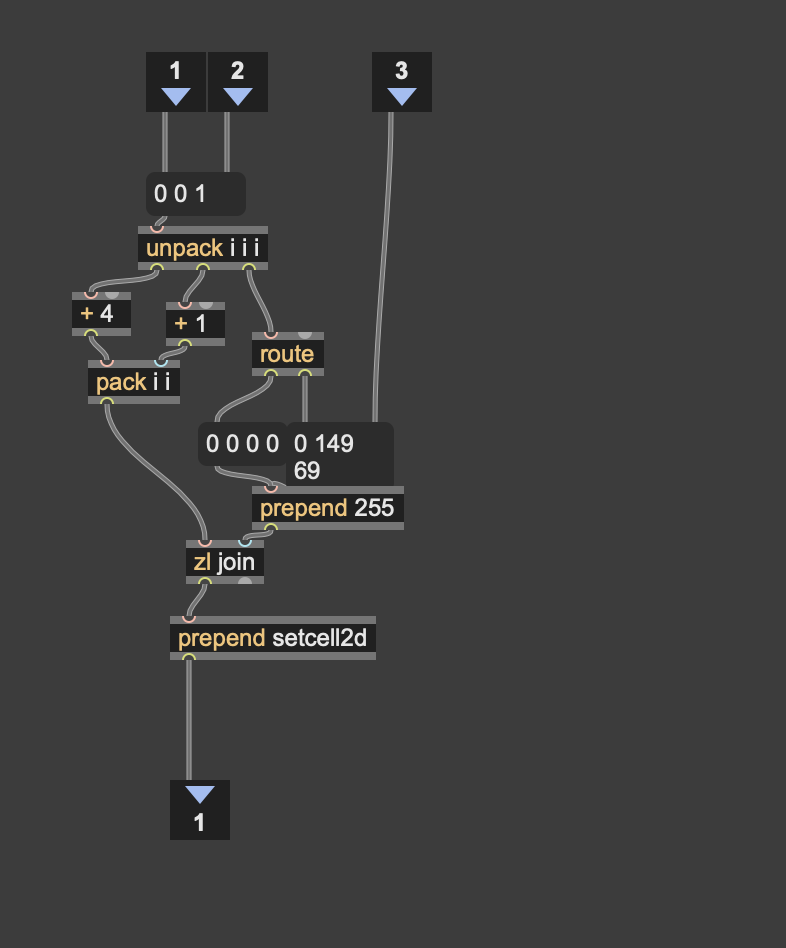
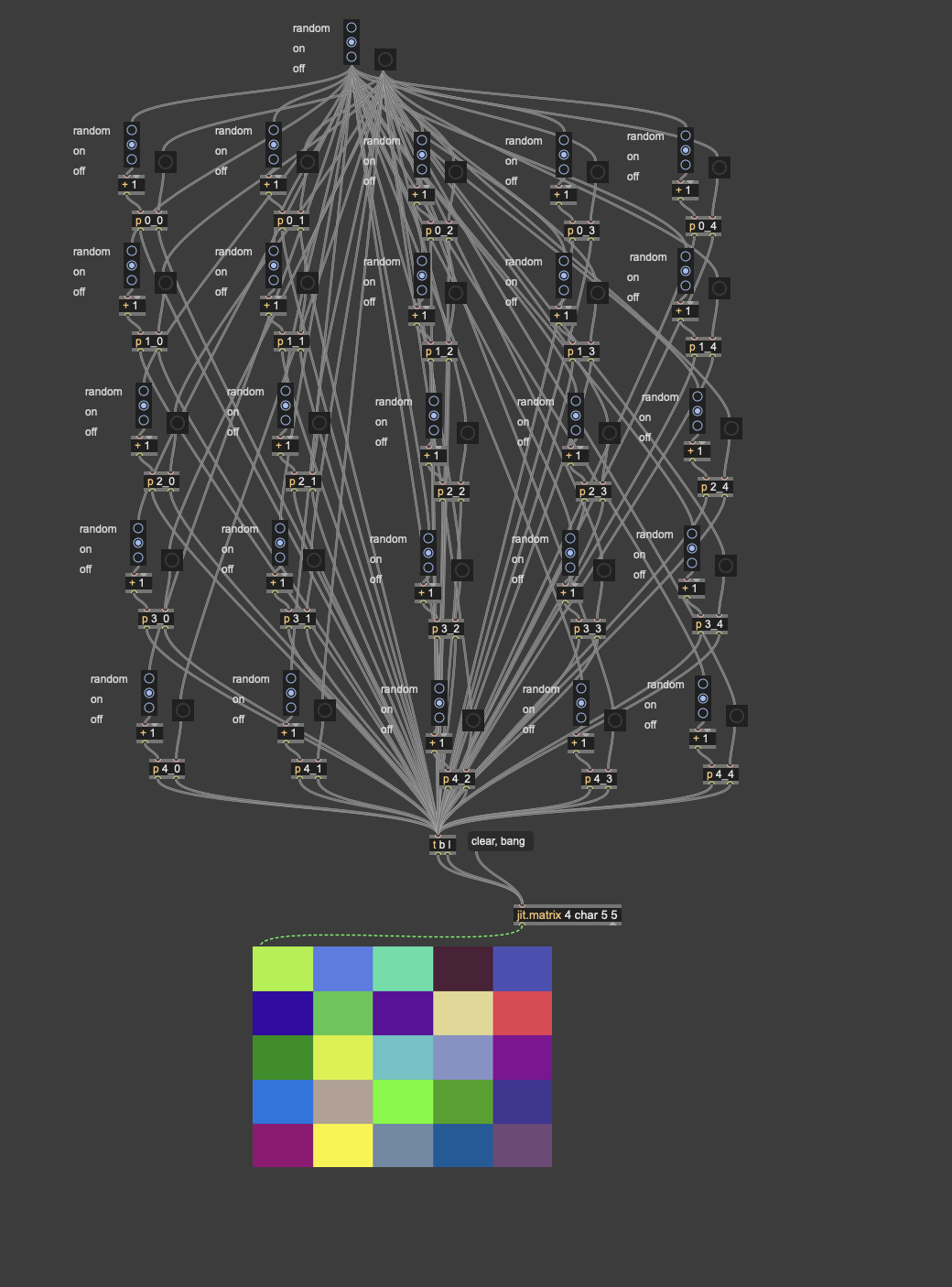
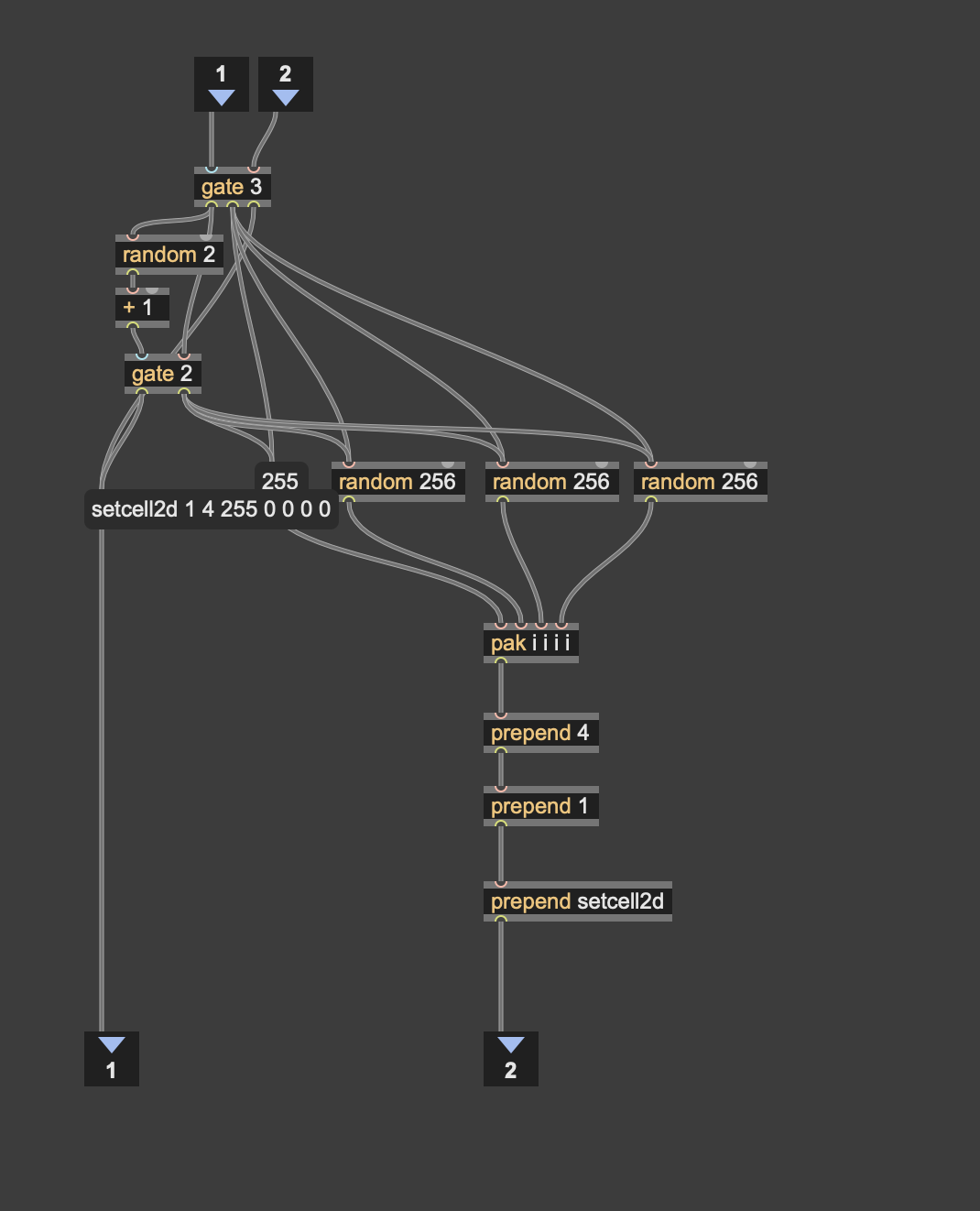
The past few weeks, I have been re-exploring the basics of pixel generation in Jitter (Max). So far, this has been taking the rudimentary path by designing on/off and colour picking for individual small jitter matrices. I have also done some random colour to grid shaping. It has been a while since I have done 2D jitter matrix work, so it has been fun to re-explore this art form. I have designed some rudimentary pictures, with clear max data paths. This has been for my own learning and to focus on the fundamentals. While I have had some success with some lessons from Gary Lee Nelson, and some tutorials that used equations; I wanted to get the ideas down for deliberate pixel art. I wanted to work from the basics, to get my head around it. Re-learning is so important. There is so much that we take in day by day, it is important to come back to lessons once learnt. Using the basics will reform and reshape my 2D visuals. Followers of my work, will remember my older 2D pixel art. I hope to extend what I have done and deep learn. It can happen that surface skimming leads to results, but not stored learnings. My next steps will be shape design with maybe a matrixctrl object or something to replace the pen LCD combo, so that it can be specific and drawn. I will share the patchers for my learnings when there is a bit more to share. In the mean time, here are some images of the patchers to let you make from home.